Major carriers such as docomo, au, SoftBank, and Y!mobile offer mobile Wi-Fi routers. Saiganac also has a contract for an au Wi-Fi WALKER WiMAX 2+ HWD15 for outside work at data centers, outside meetings, business trips, etc. However, the monthly fee is fixed and expensive whether or not you use it, and we were looking for a mobile Wi-Fi router that is easy and casual to use.
After much research, I found that the combination of a SIM-free NEC Aterm MR04LN mobile Wi-Fi router and aFREETEL SIM was the most cost-effective, so I immediately went to Saiganac's favorite spot, the Bic Camera Akasaka-mitsuke store, and bought both routers. I bought both.
The customary Aterm MR04LN opening ceremony!

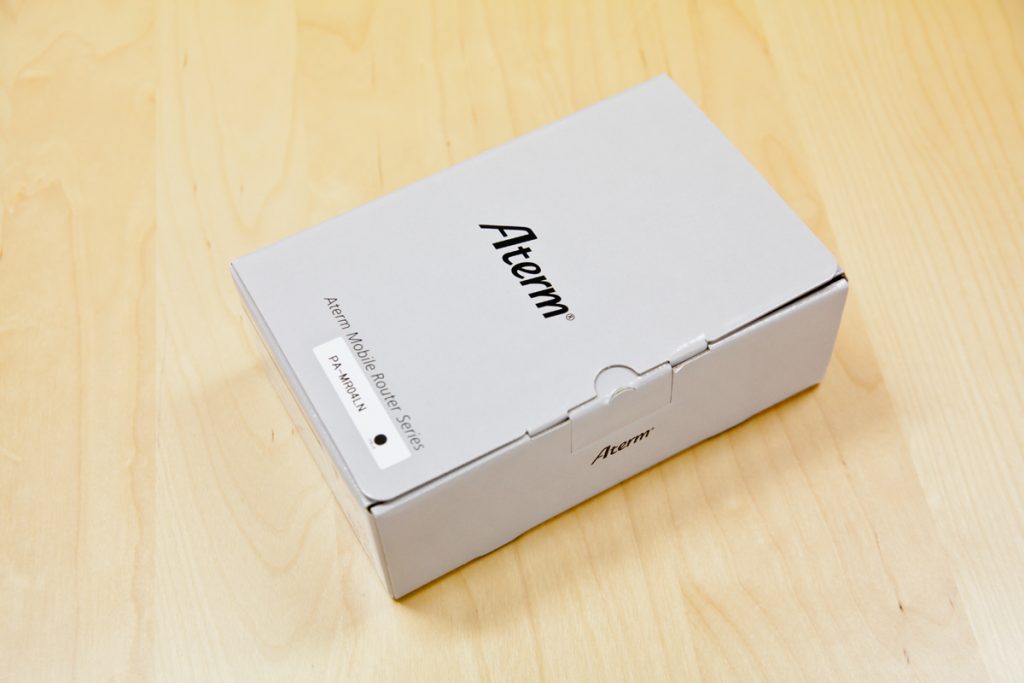
Outer box with NEC's router brand logo. Outer box with NEC's router brand logo.
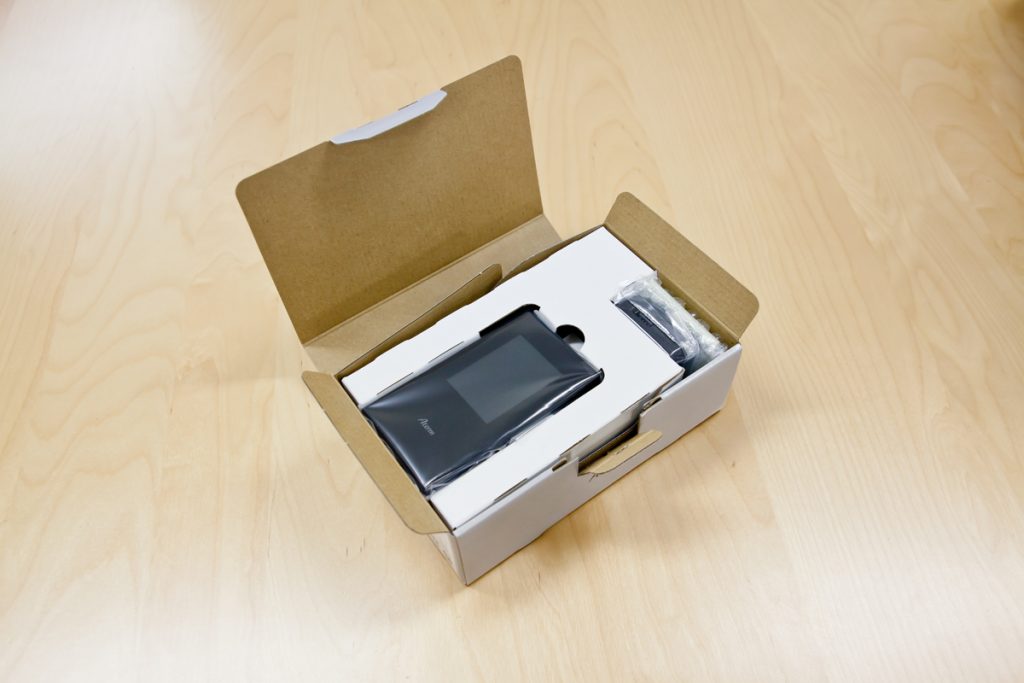
Popping it open. Open the box and you will see the following.
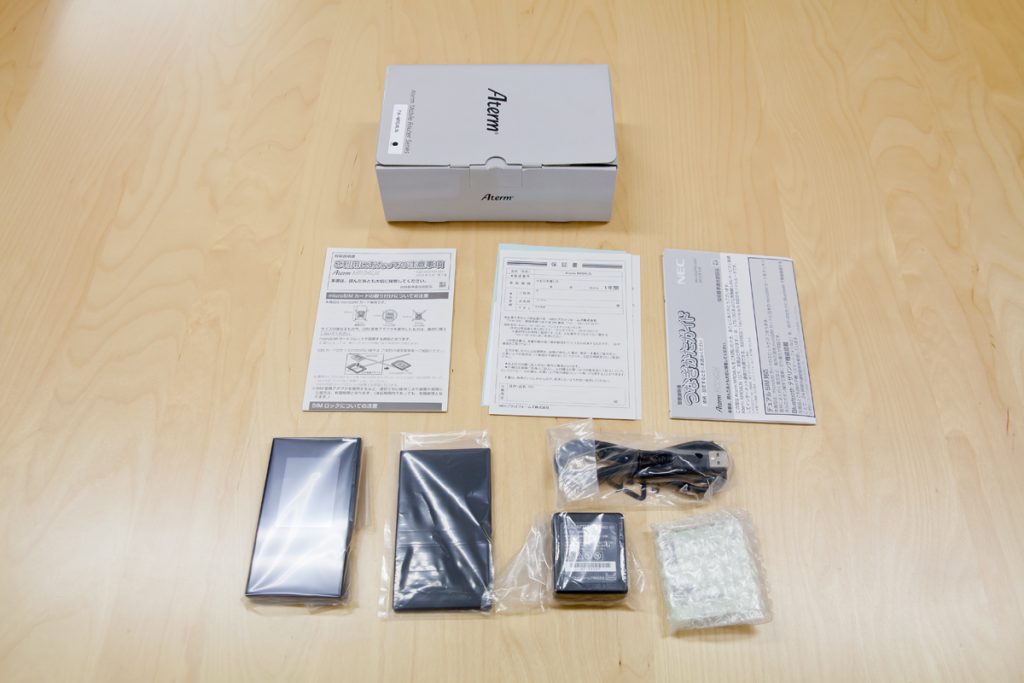
Here is what is included in the box. Main unit, microUSB cable, battery, AC adapter, instruction manual, etc.
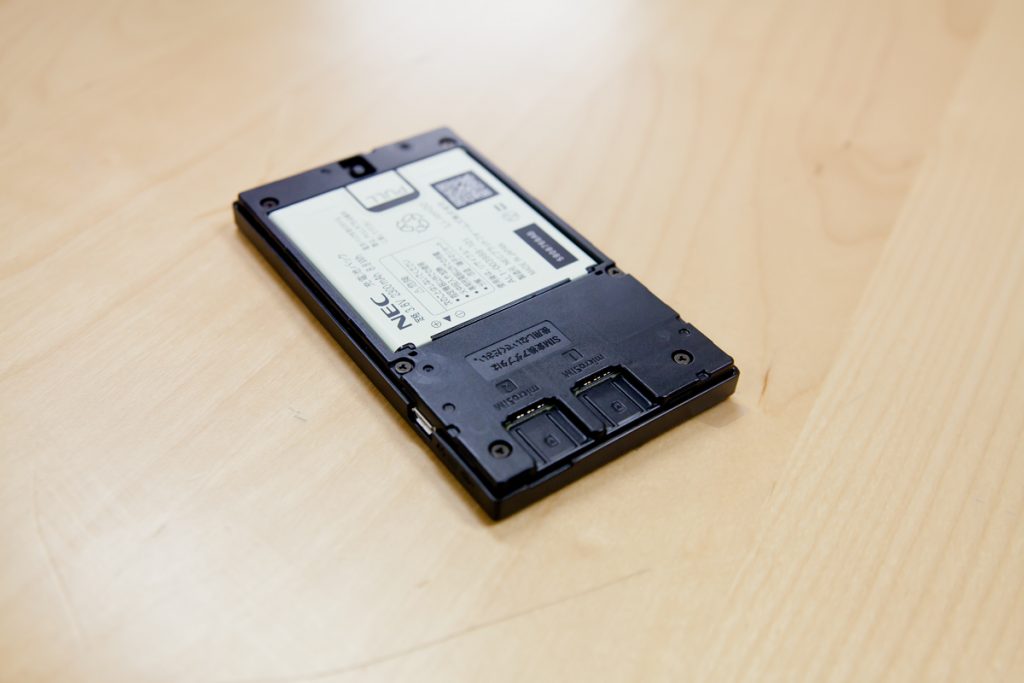
Battery cover is off. 2 SIM card slots. Dual SIM. The usage scenario is to insert a Japanese domestic SIM card and an overseas local SIM card when traveling abroad, and use it in either country (maybe).
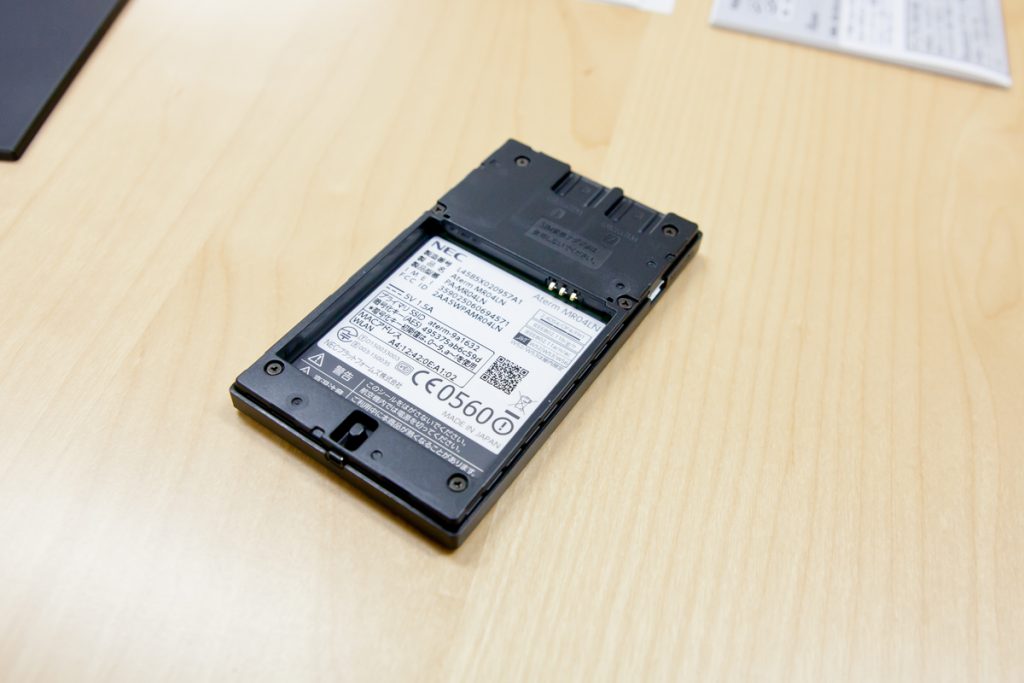
The battery is installed. The battery is attached. You can rest assured that it is MADE IN JAPAN!
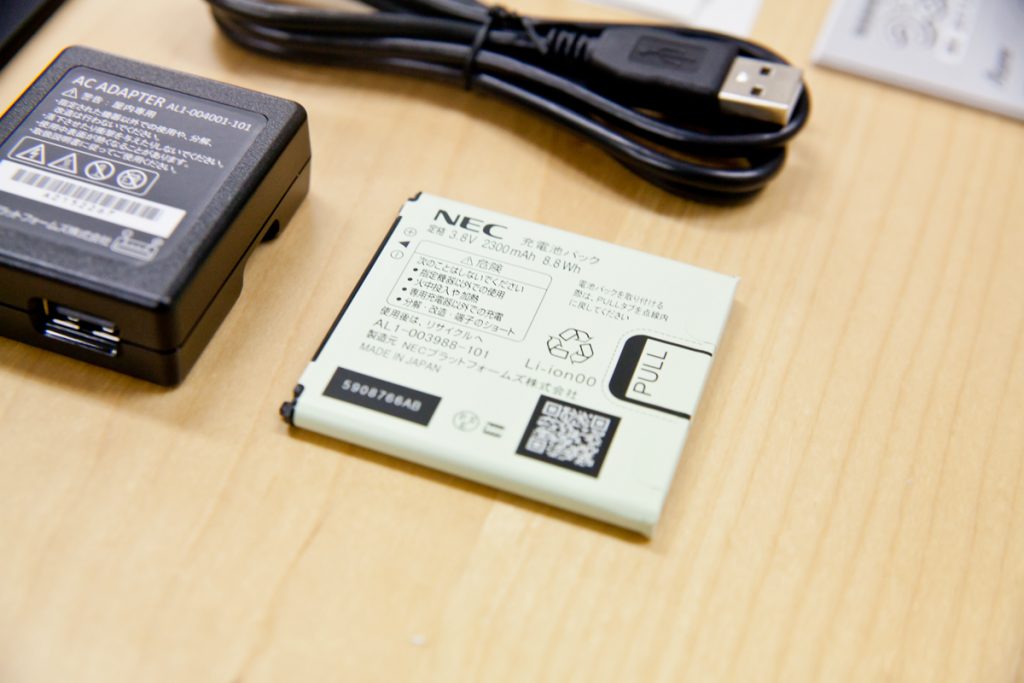
The lithium-ion battery is also made in Japan and has the PSE mark so that it can be used in Japan.
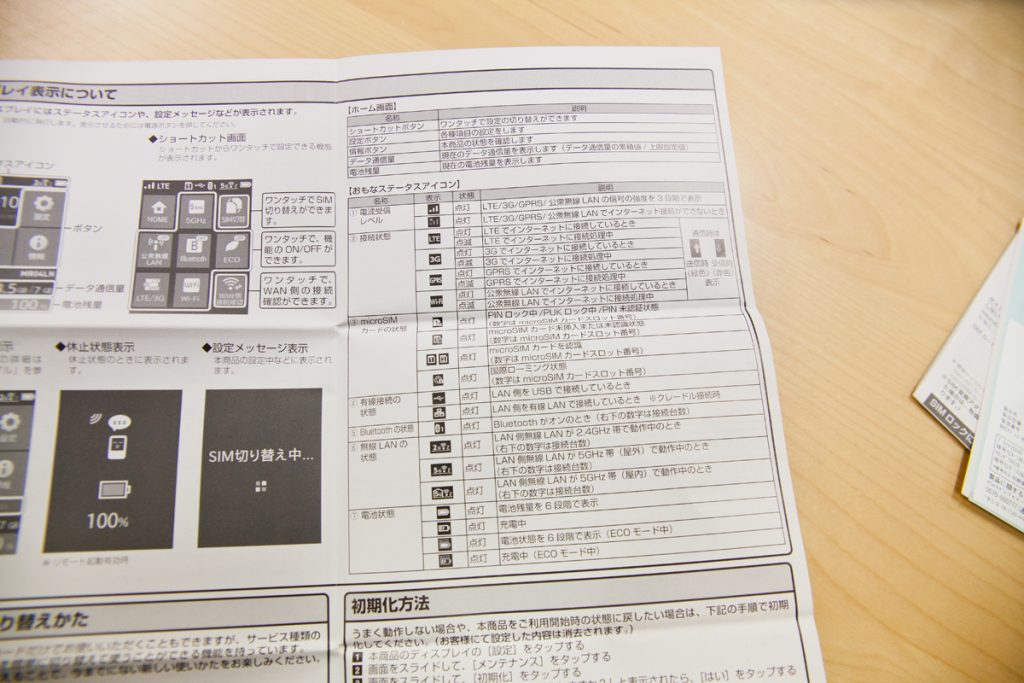
Manual. Explanation of the display is included.
Opening the FREETEL SIM!
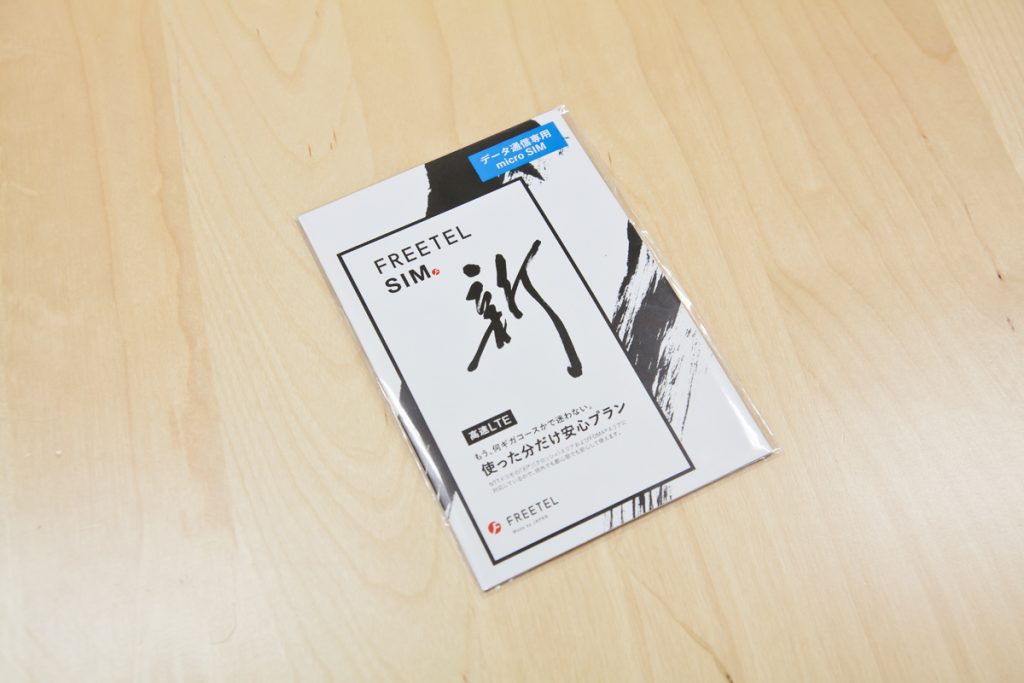
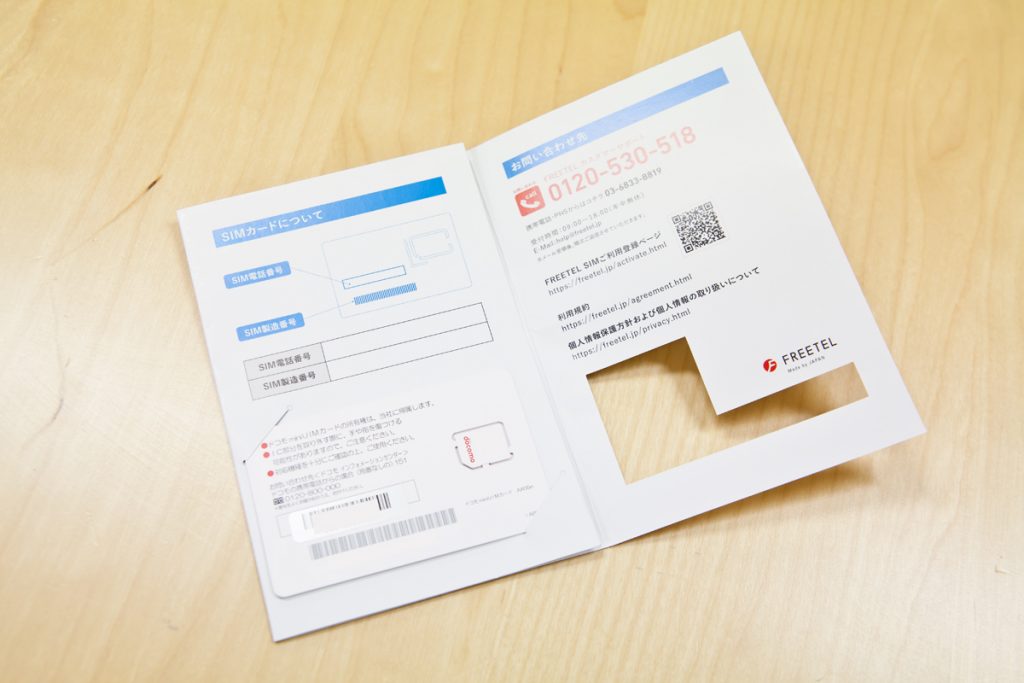
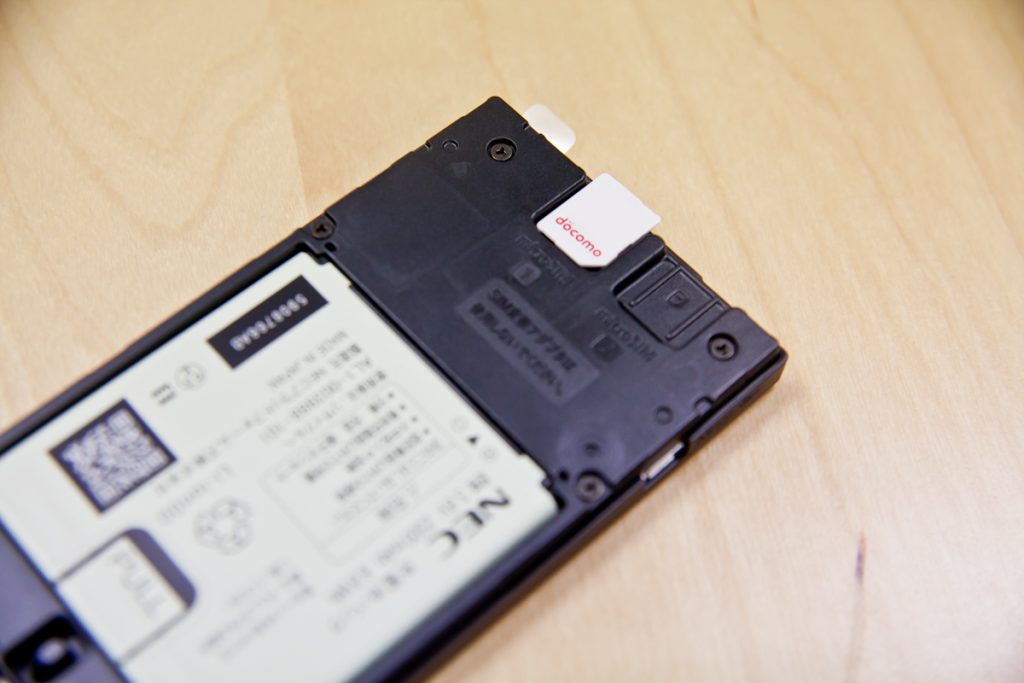
Activate FREETEL SIM
FREETEL SIM cannot be used even if you insert the SIM card immediately after purchase; you need to activate the SIM card from FREETEL's website.
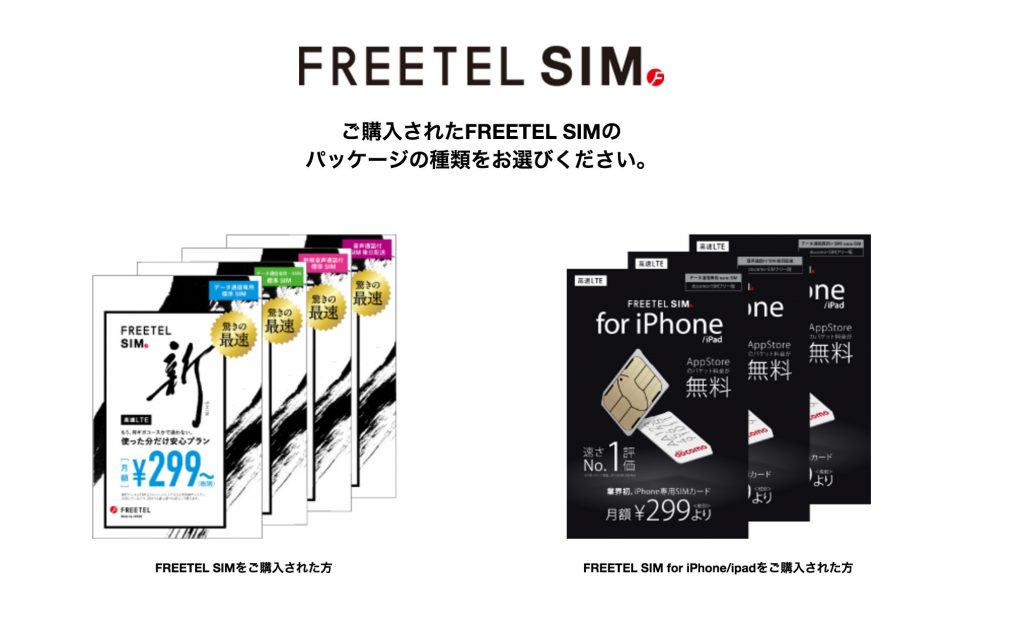

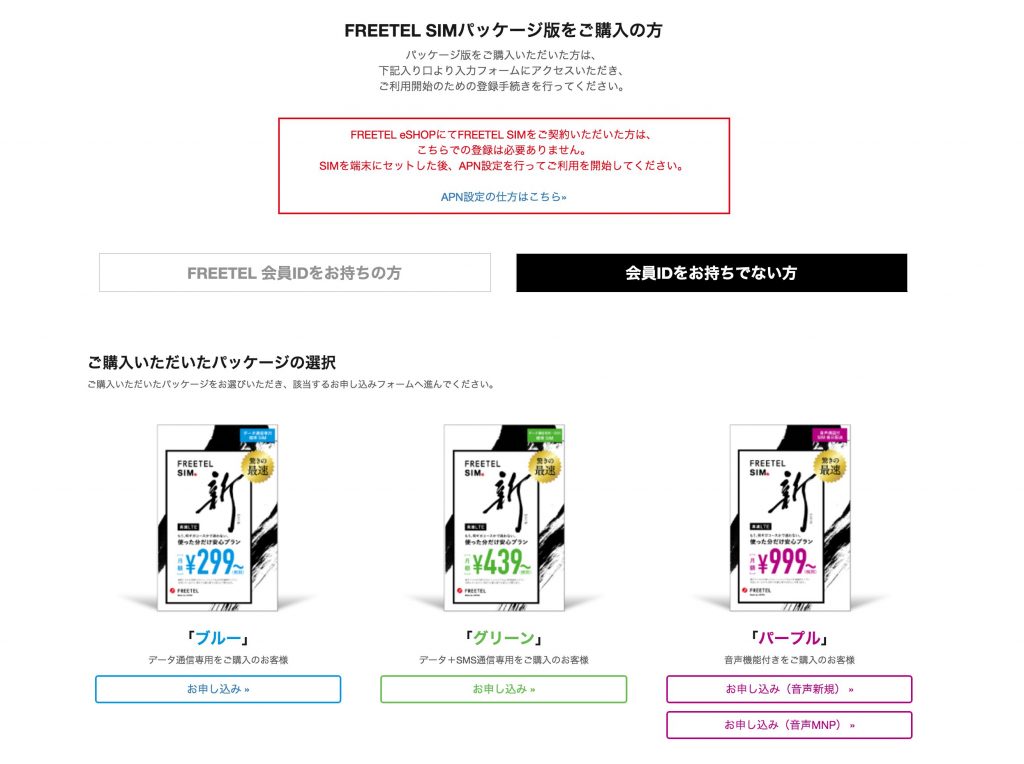

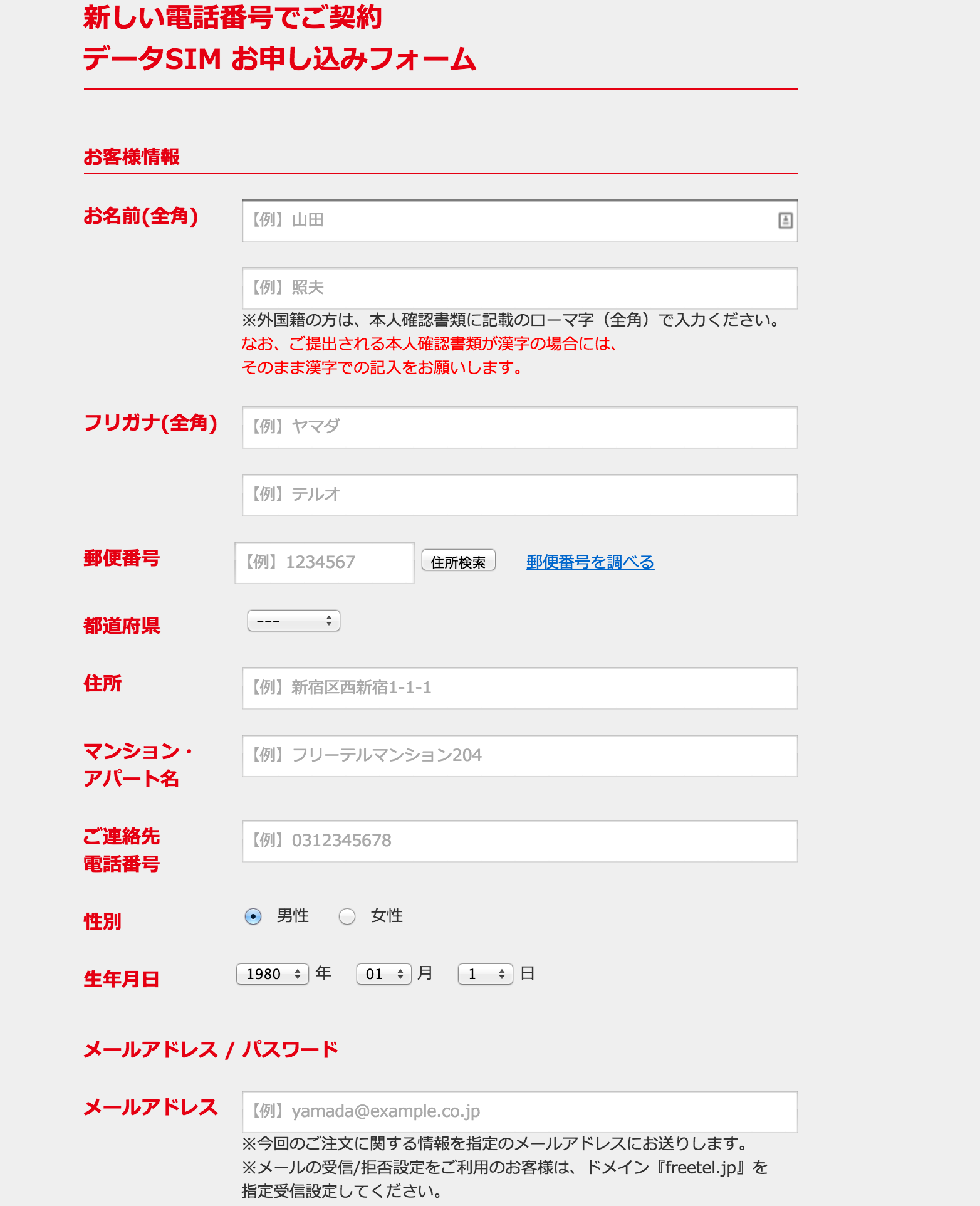

Now it's time to start!
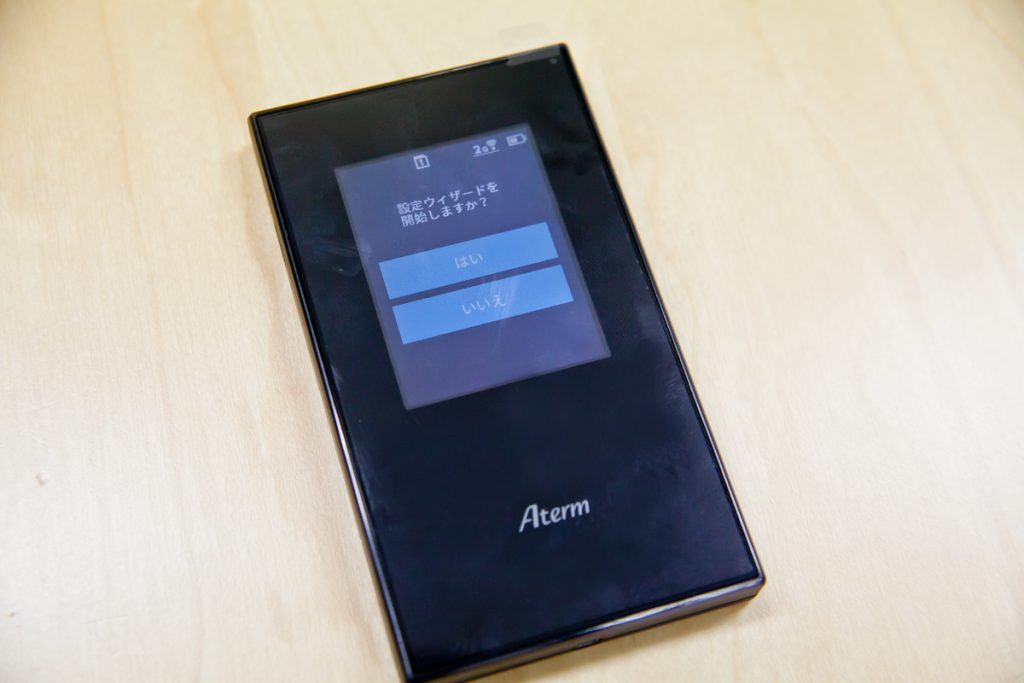
The setup wizard starts. Naturally, select "Yes".
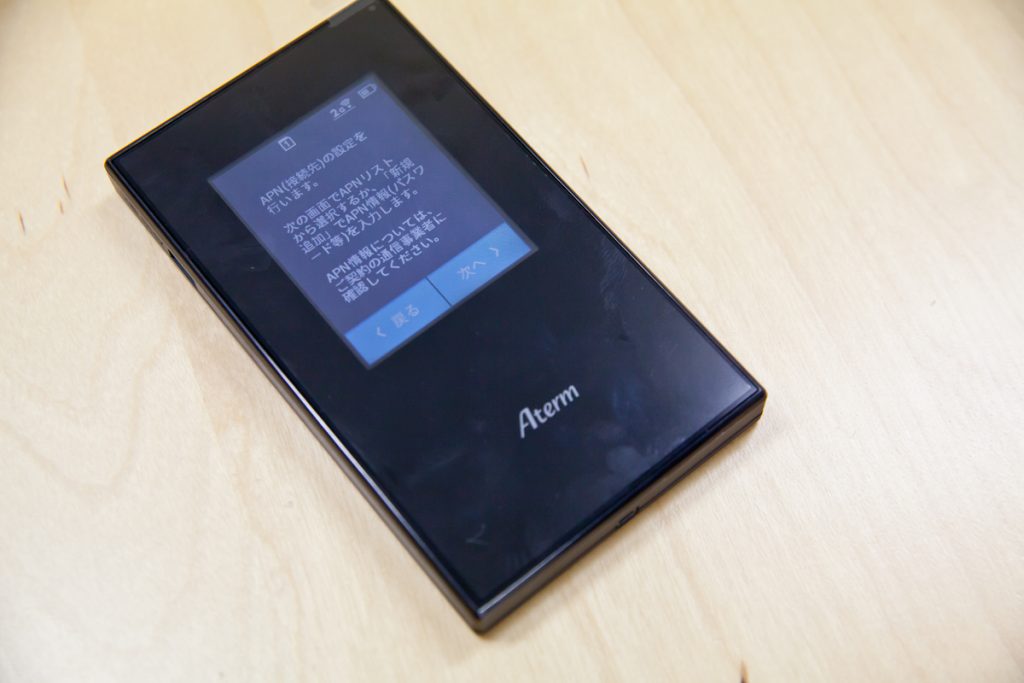
Go to the APN setting screen. Naturally, select "Next.
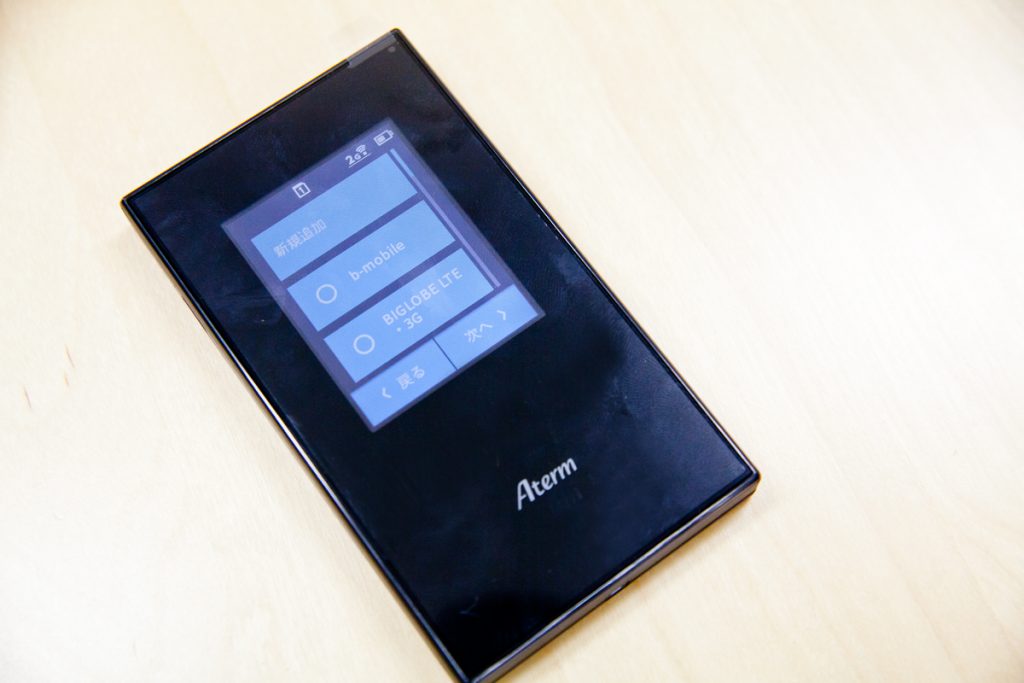
Configure the APN settings. Standard b-mobile and BIGLOBE are available. Unfortunately, there is no FREETEL SIM. Select "Add New.
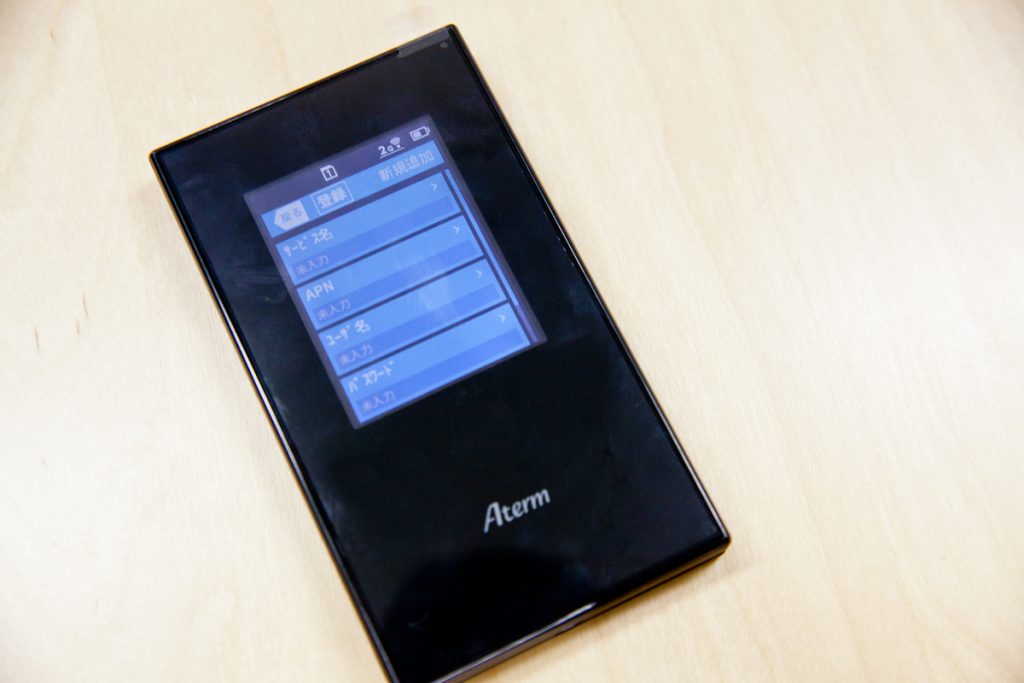
APN input screen.
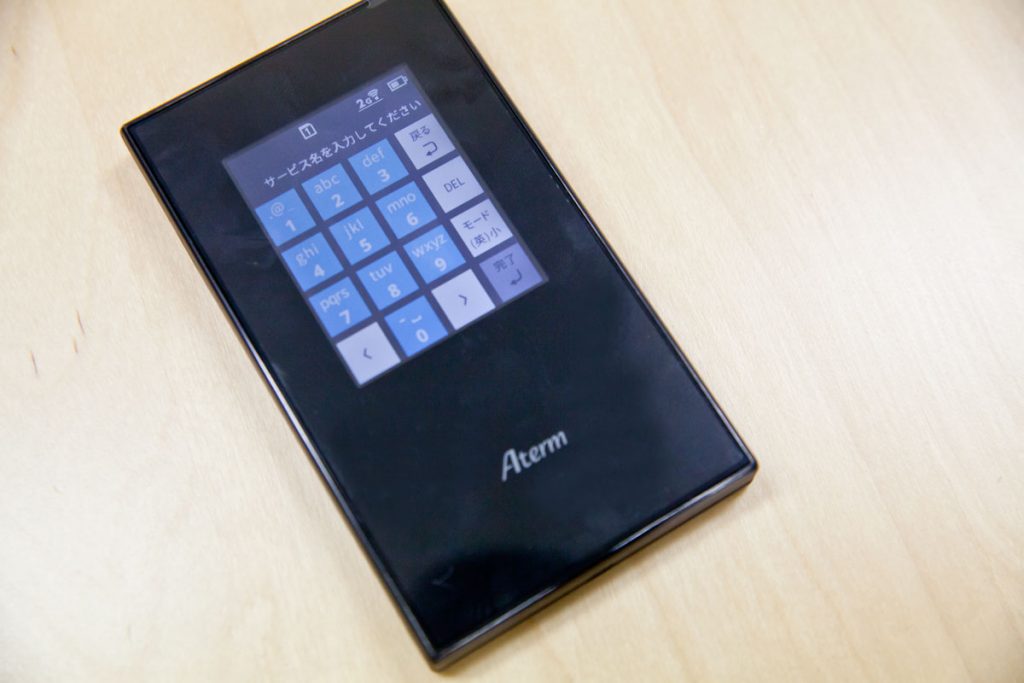
I thought I would have to connect to a PC to enter the APN, but I didn't expect to see a touch panel keyboard!
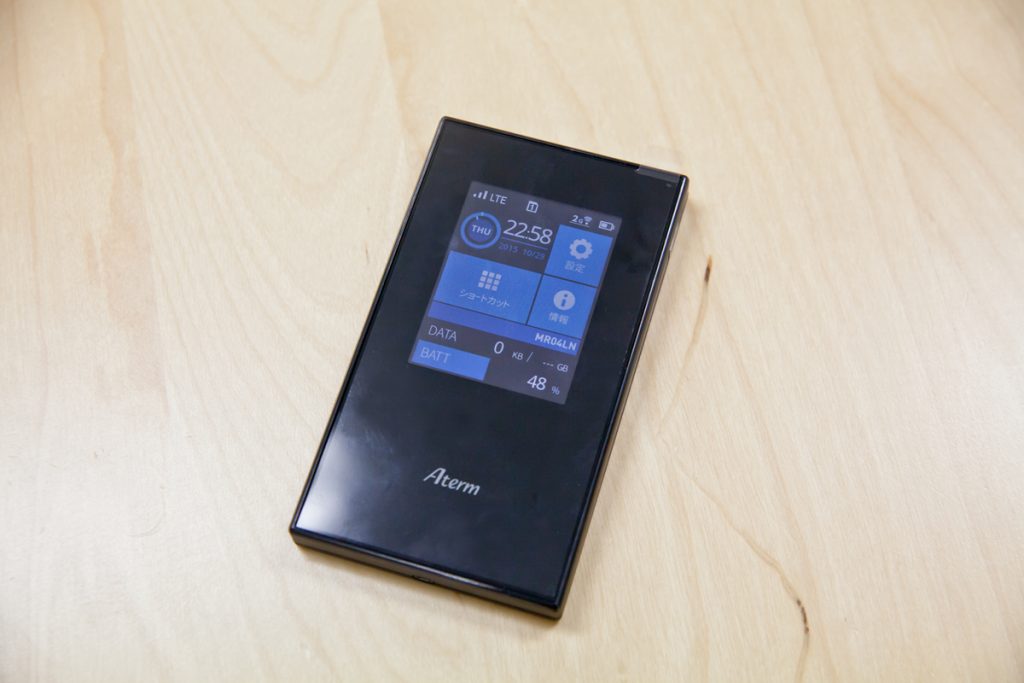
After entering the APN, the setup is complete!


Since this is a docomo MVNO, the connection destination is marked as "DOCOMO". The connection line is LTE. The "2G" in the upper right corner means "2GHz band" frequency. For a moment, I wondered if it was a 2G line.
Comparison with au Wi-Fi WALKER WiMAX 2+ HWD15
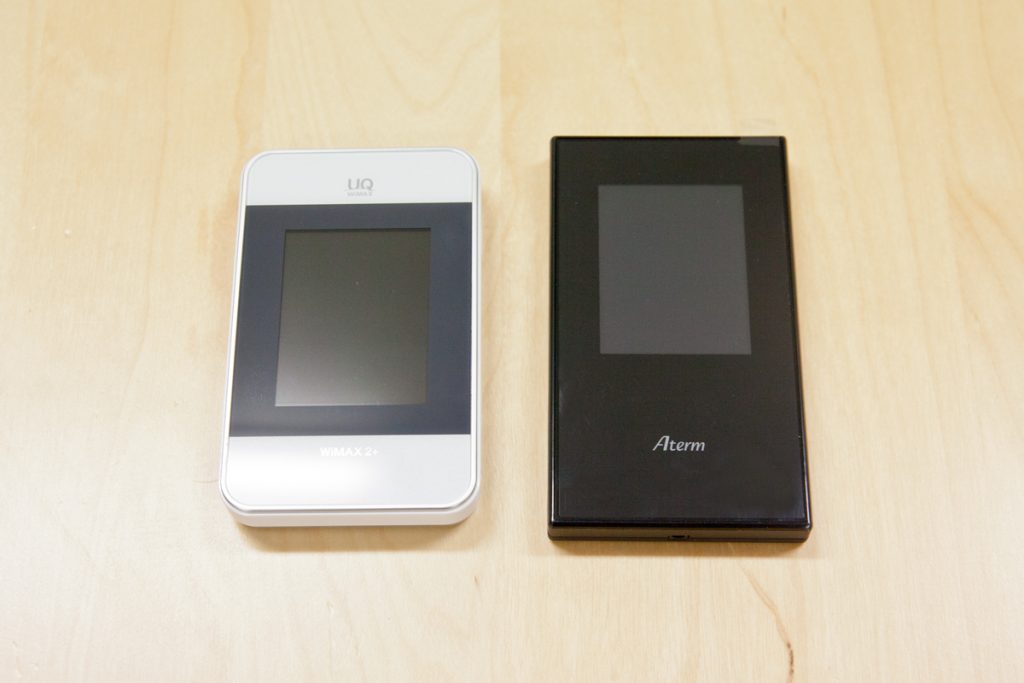
Compared with au's Wi-Fi WALKER WiMAX 2+ HWD15, Aterm MR04LN is slightly thinner and longer.
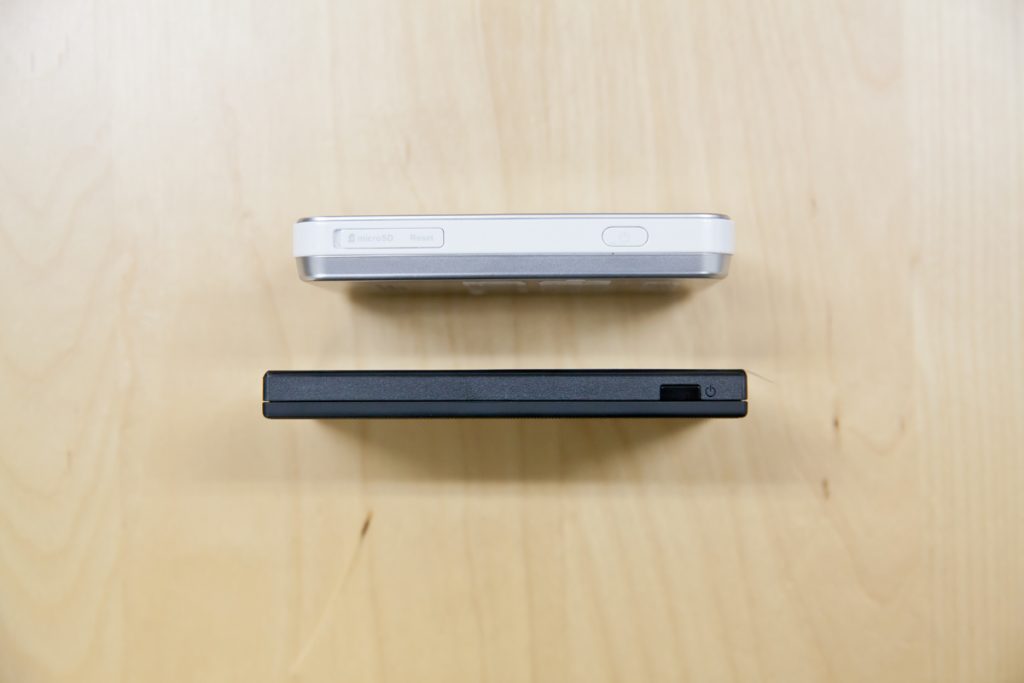
HWD15 has a microSD card slot and can be used like a USB memory stick, but Aterm MR04LN does not have a microSD card slot. But since I don't use it that way, there is no problem.
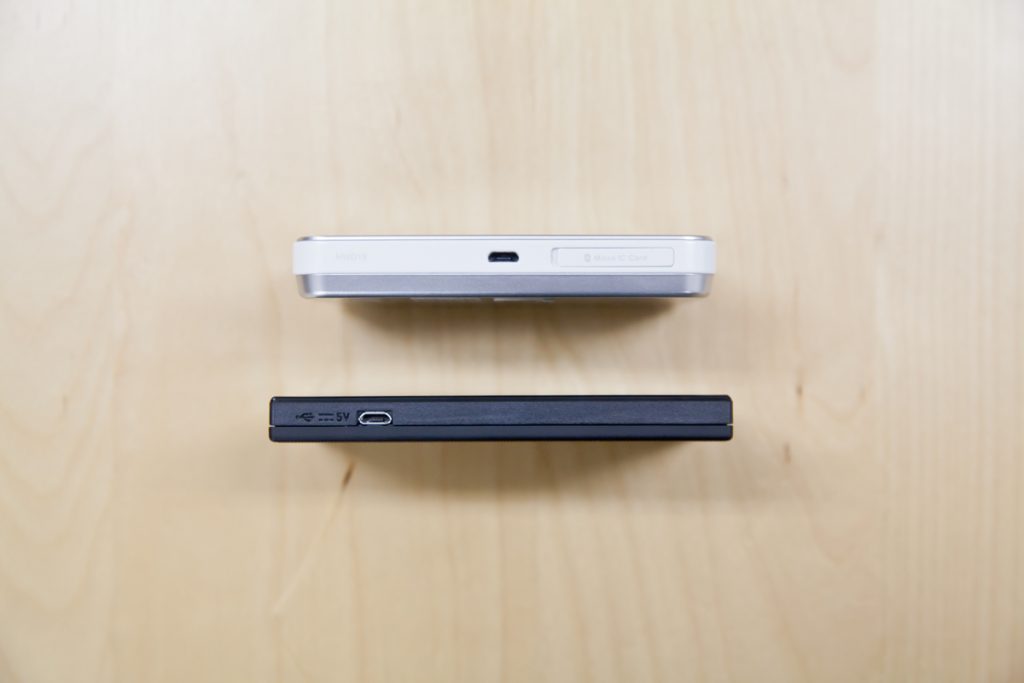
Charging via microUSB is naturally the same. Still, it is still very thin!
The price is interesting!

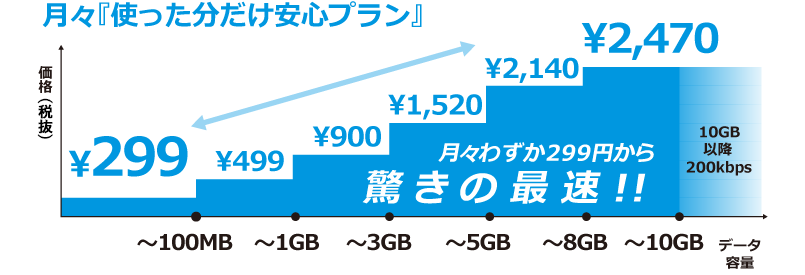
The monthly fee is based on how much you use. If you use less than 100MB, the monthly fee is 299 yen! If you use 10 GB, the monthly fee is 2,470 yen, and if you use more than 10 GB, the monthly fee is 200 kbps!
Major carriers charge a certain basic fee whether you use it or not, but with FREETEL SIM, you can keep it low without any hassle. Furthermore, while most major carriers limit plans to 7GB, FREETEL SIM allows you to use LTE up to 10GB.
Moreover, Aterm MR04LN is SIM-free, so when you go abroad, you can just buy a local SIM card and use it as is, so there is no need to prepare a separate mobile Wi-Fi router for overseas use. Depending on the country you are going to, you can usually find prepaid SIM cards at the airport.
If you are using a mobile WiFi router, why not try using Aterm MR04LN + FREETEL SIM!